 Recurred
Every subscription in one place.
Always know what you're paying and when the next charge lands. Free, with no ads and no account.

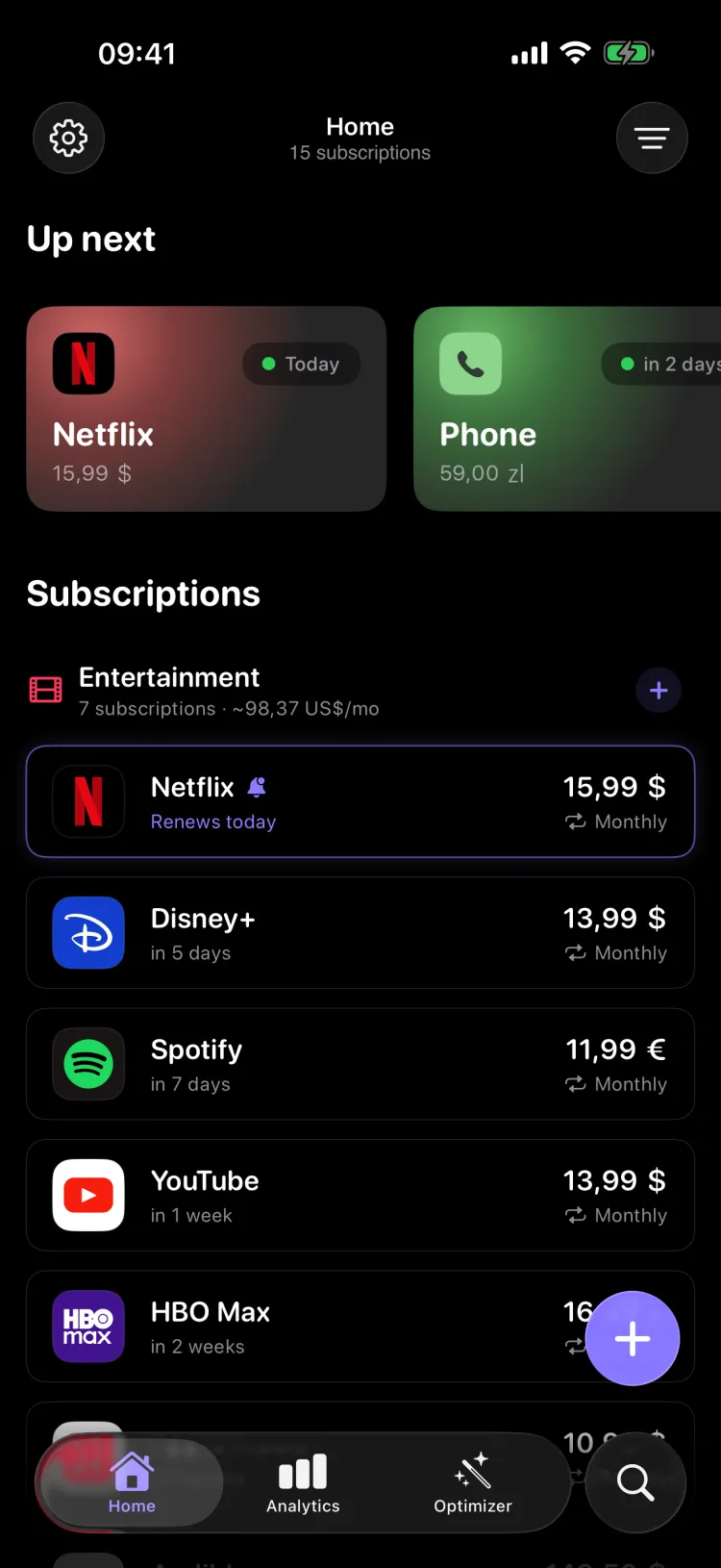
A closer look.
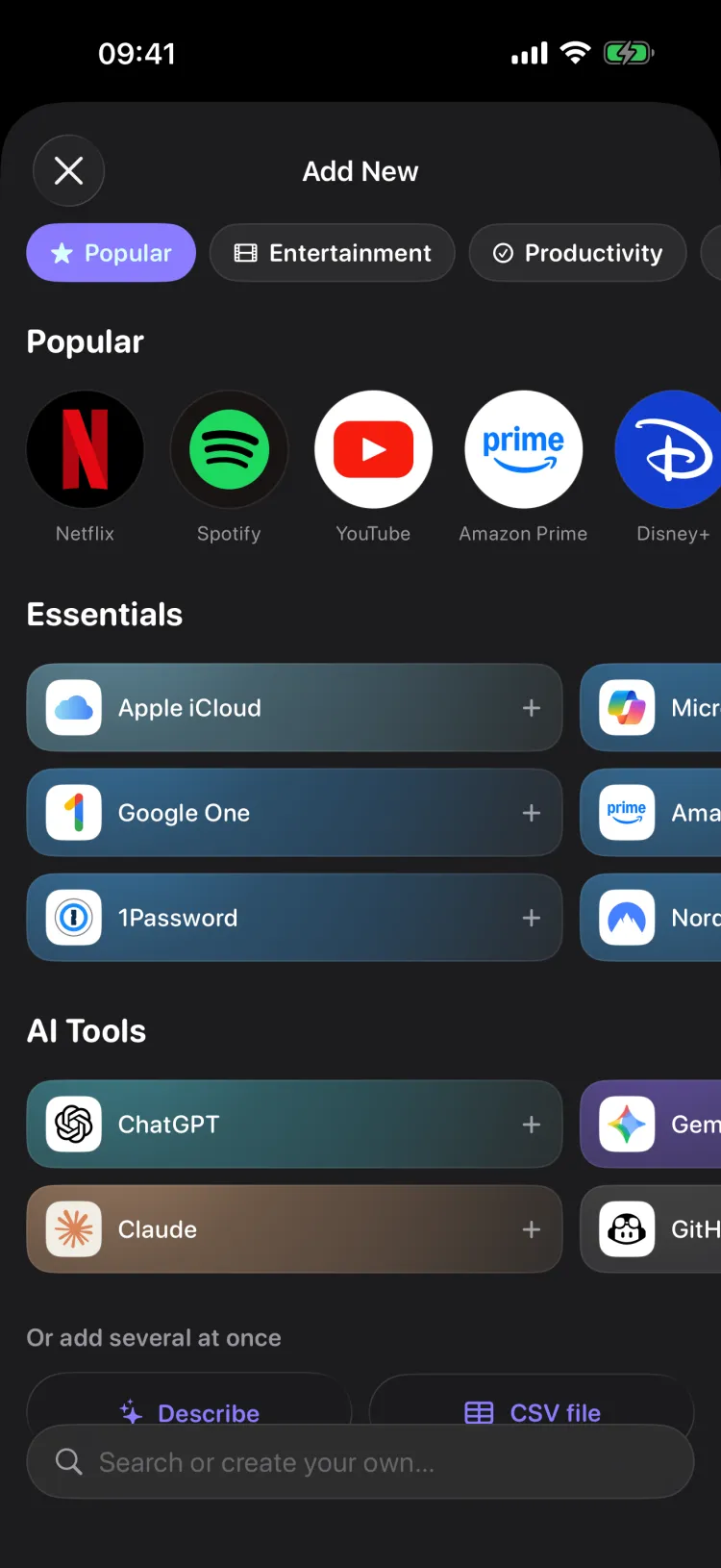
Add in seconds
Tap one of the popular services, or search for your own.
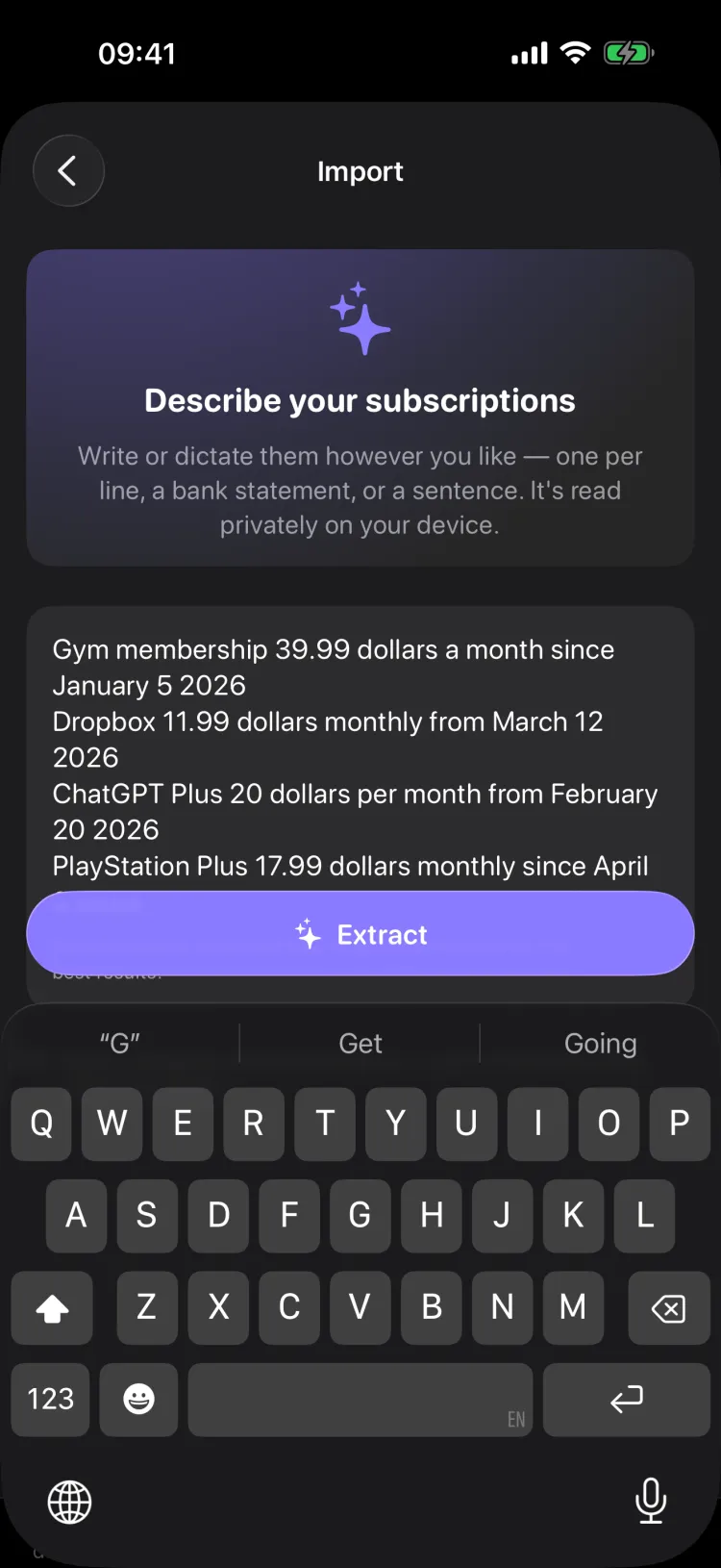
Or just describe them
Write or dictate the whole list and your iPhone fills in the details.
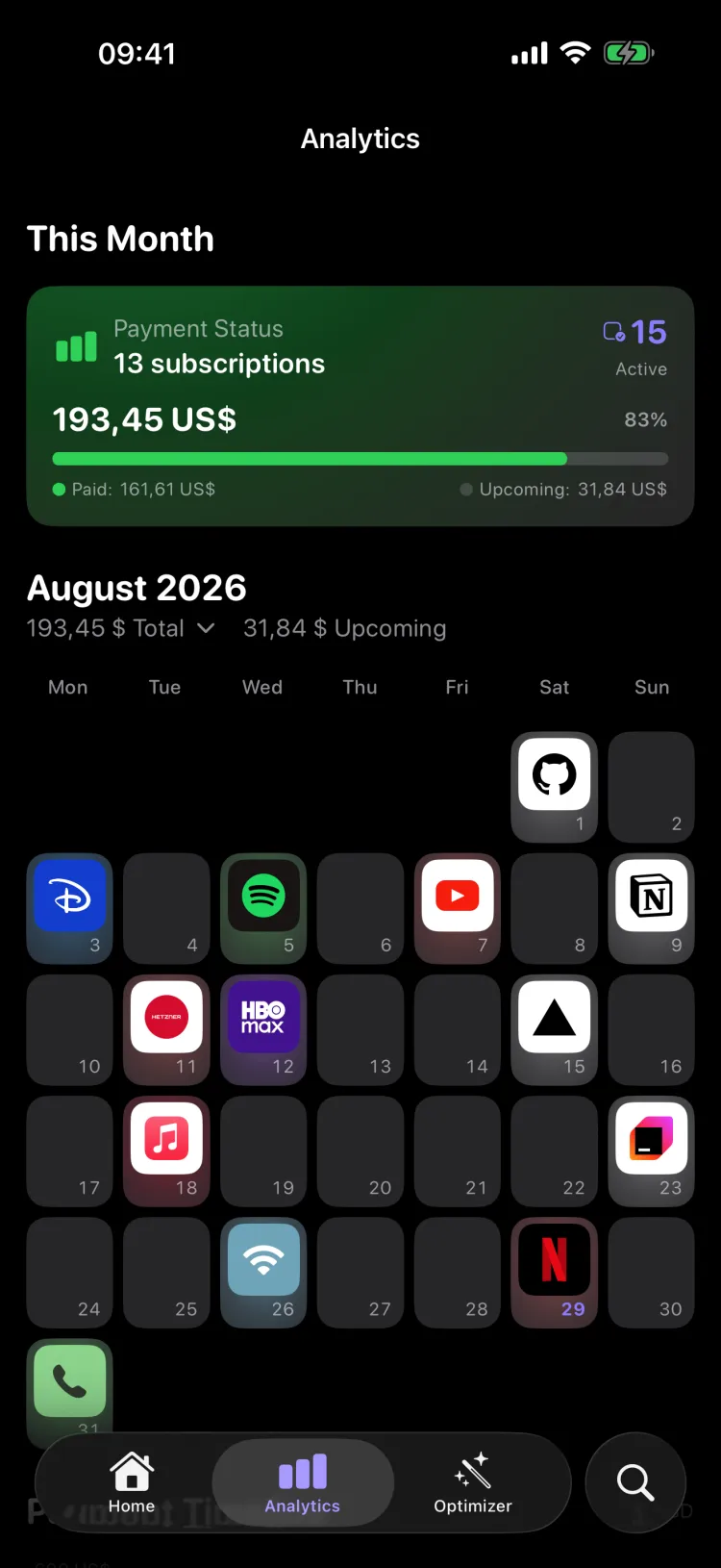
Payment calendar
Every charge on the day it lands, so nothing arrives unannounced.
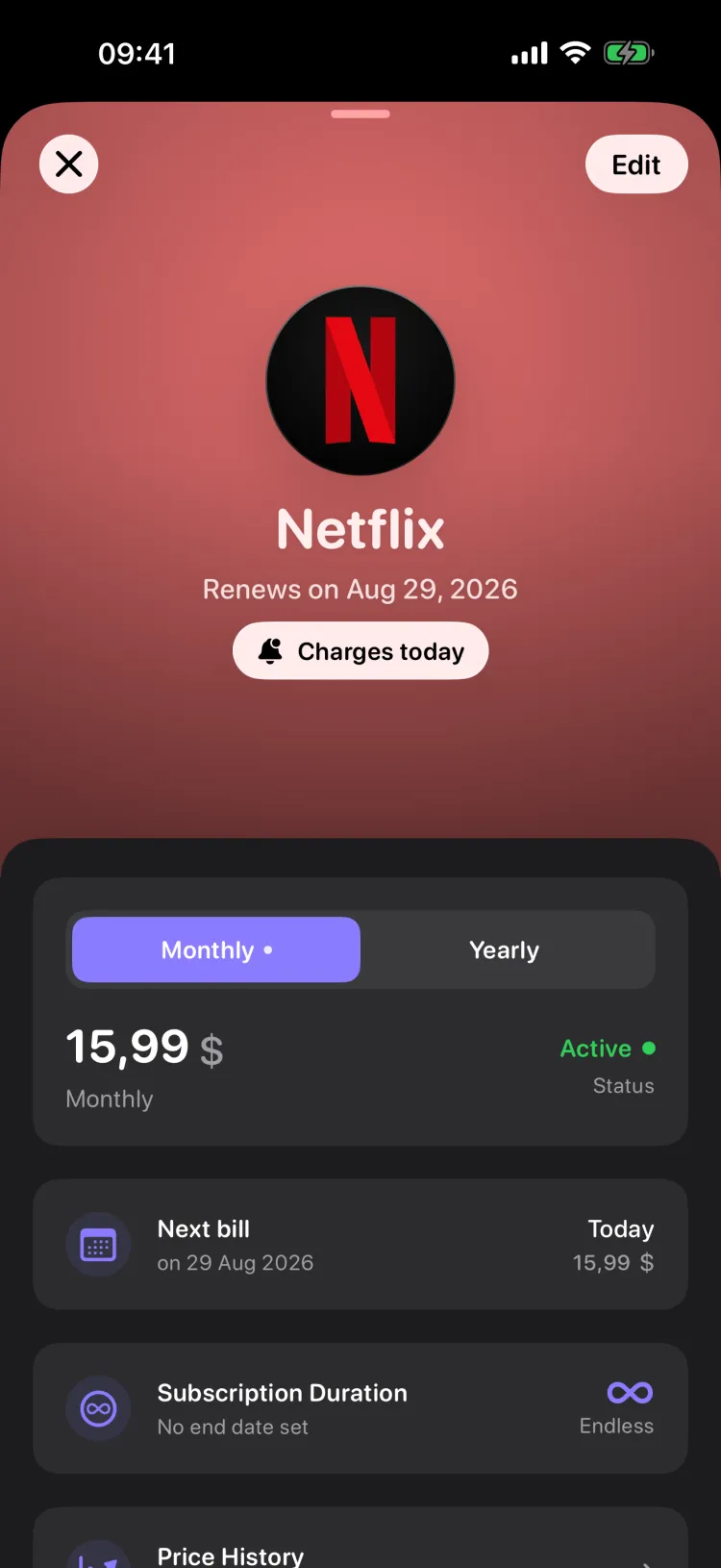
What one costs you
The yearly figure, and how much of a category it quietly takes.
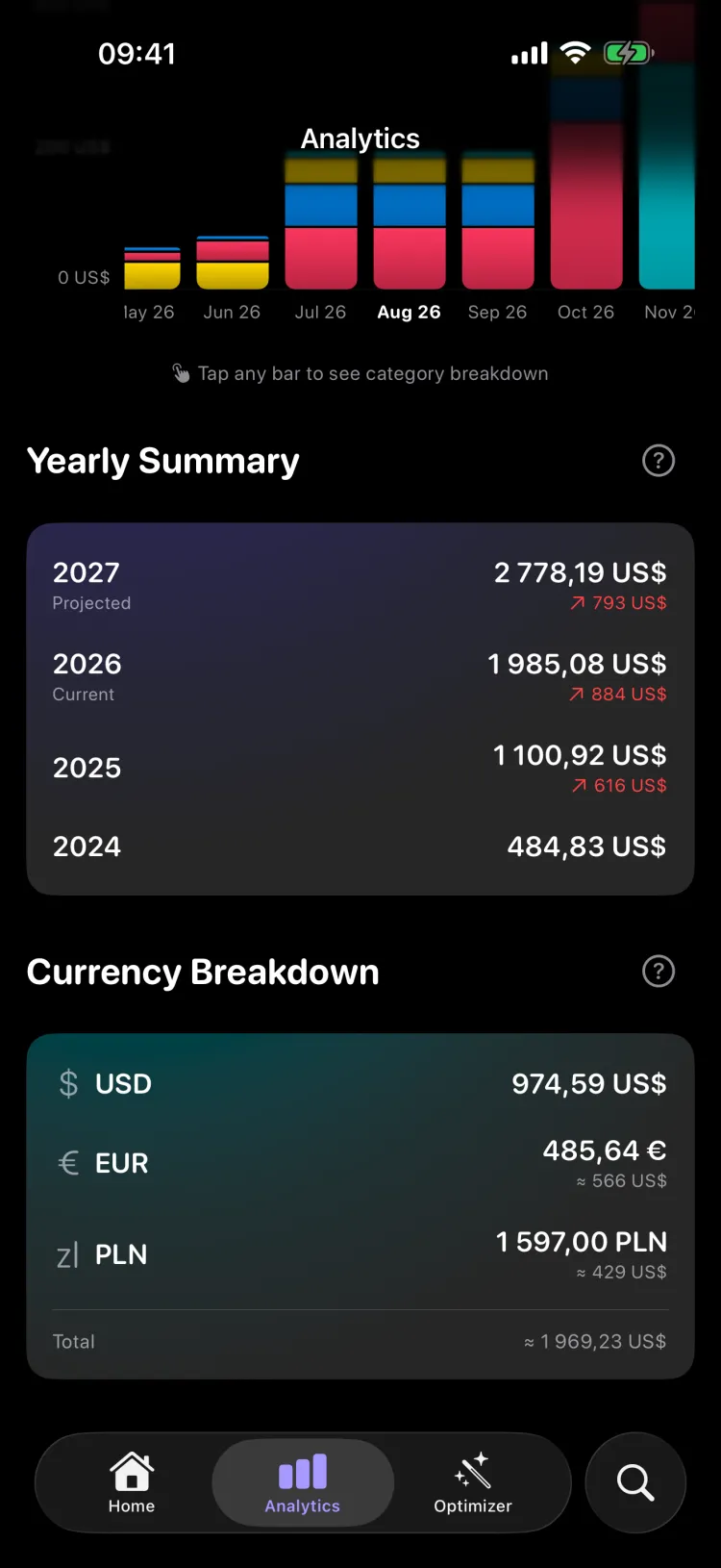
The year at a glance
Totals by month and by year, in every currency you pay in.
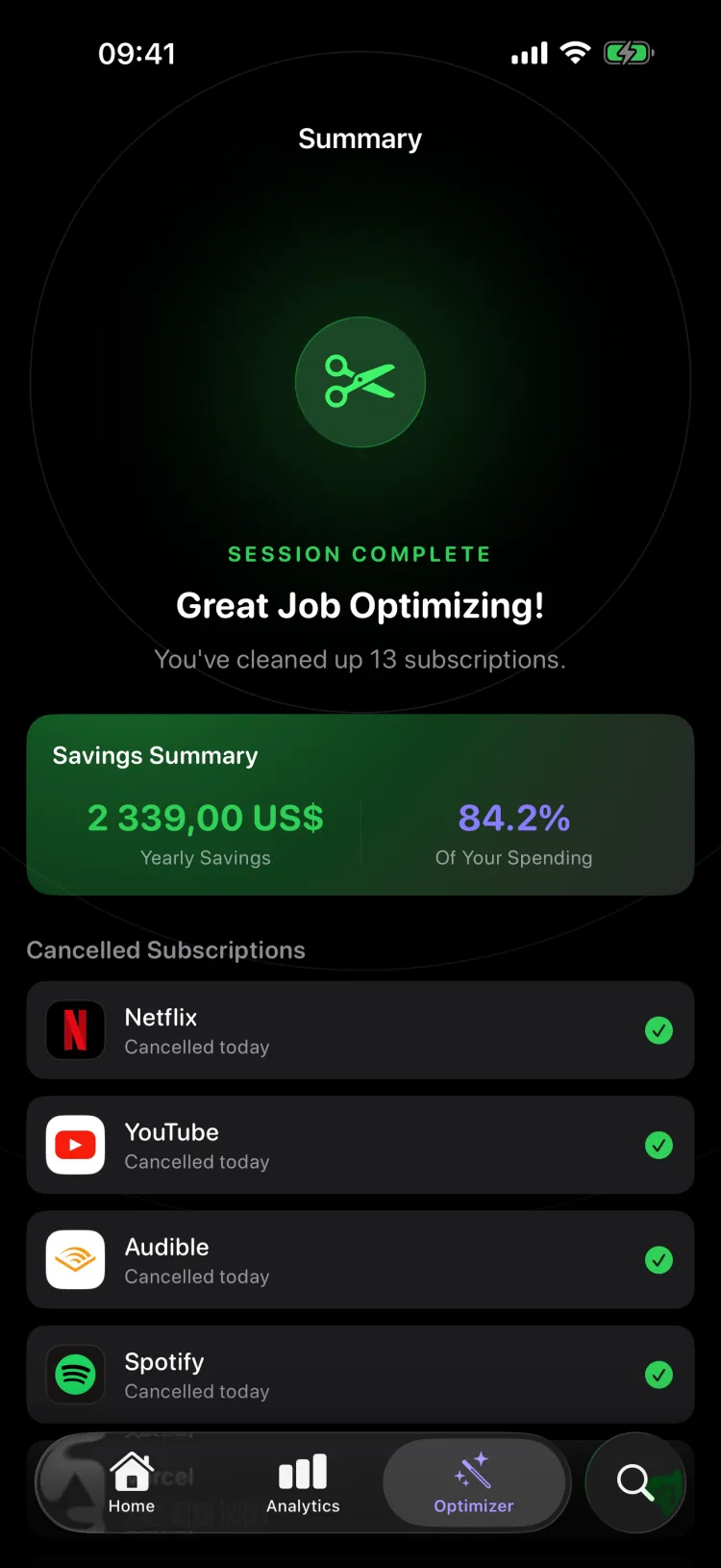
The Optimizer
Cut what you never open and watch the yearly total drop.
One list, on every device.
The same subscriptions on your iPhone, iPad and Mac, kept in step through your own iCloud. Add one anywhere and it's already everywhere else.
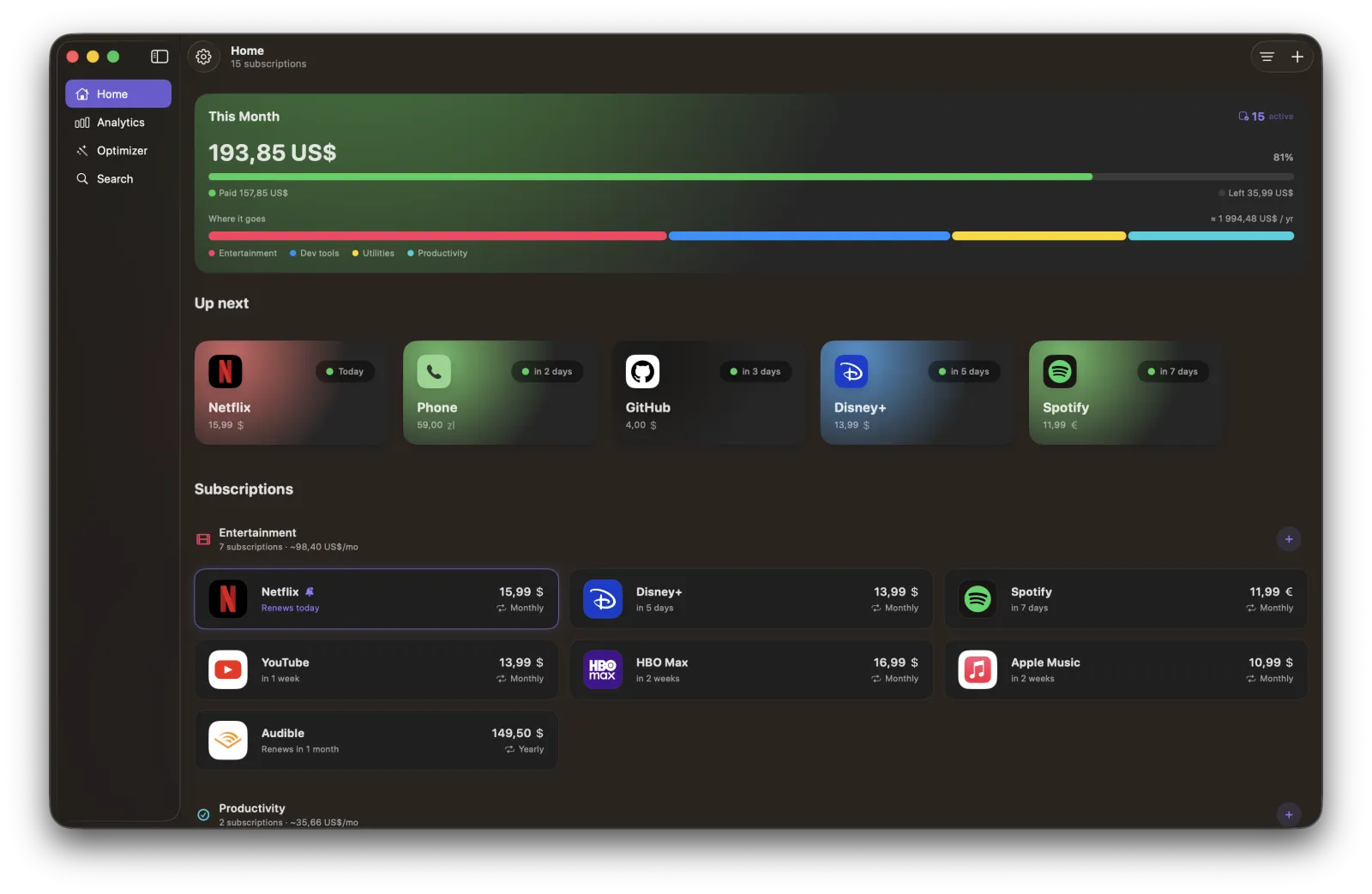
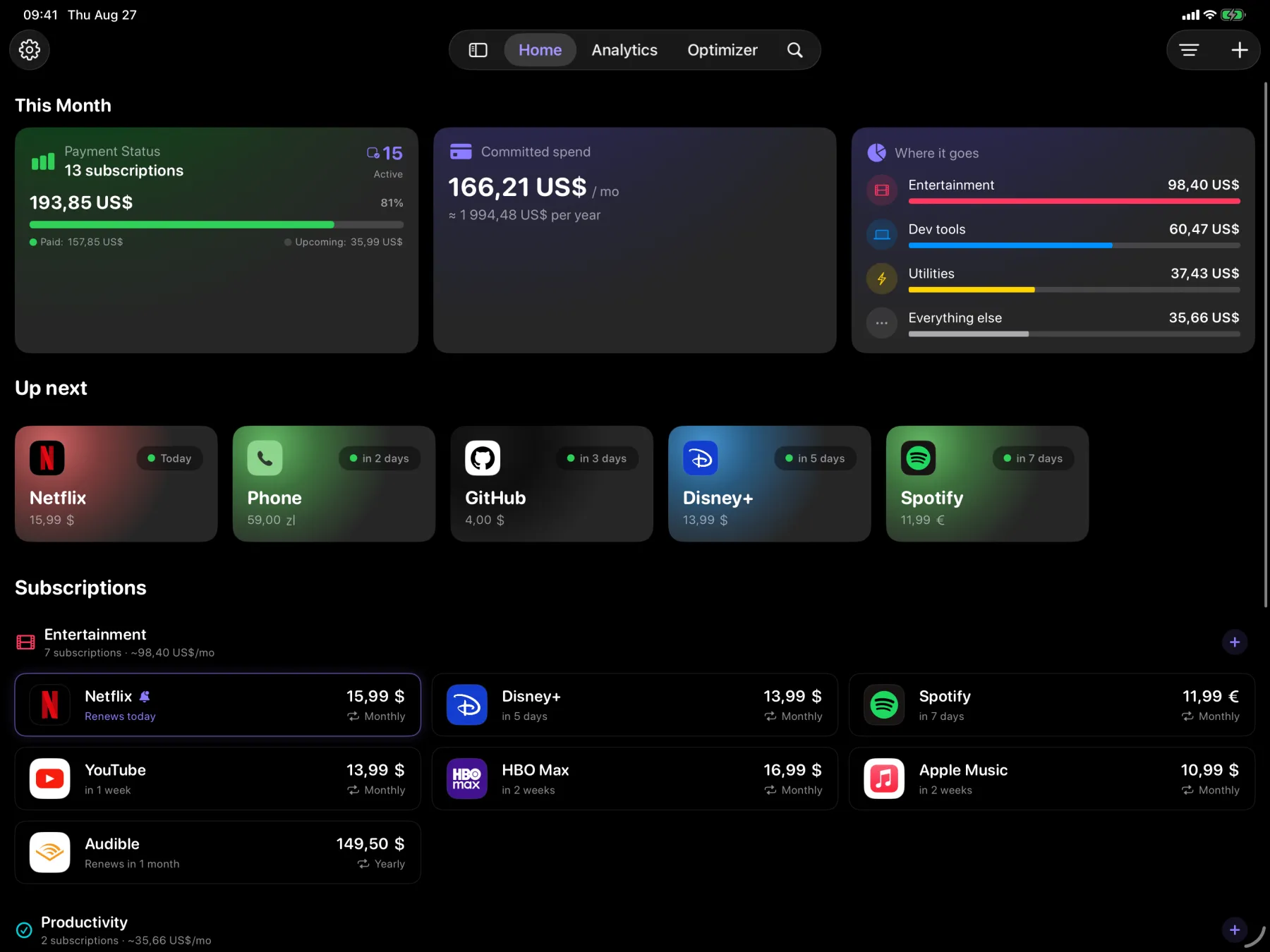
Synced through your iCloud
Add a subscription on your iPhone and it's already on your iPad and Mac — no account, and nothing kept on anyone else's servers.
Native on each one
Not a phone app stretched to fit: every version uses its own screen properly, from the Dynamic Island to a full Mac window.
More room, more at once
The bigger the screen, the more of your totals, calendar and subscriptions sit together without scrolling.
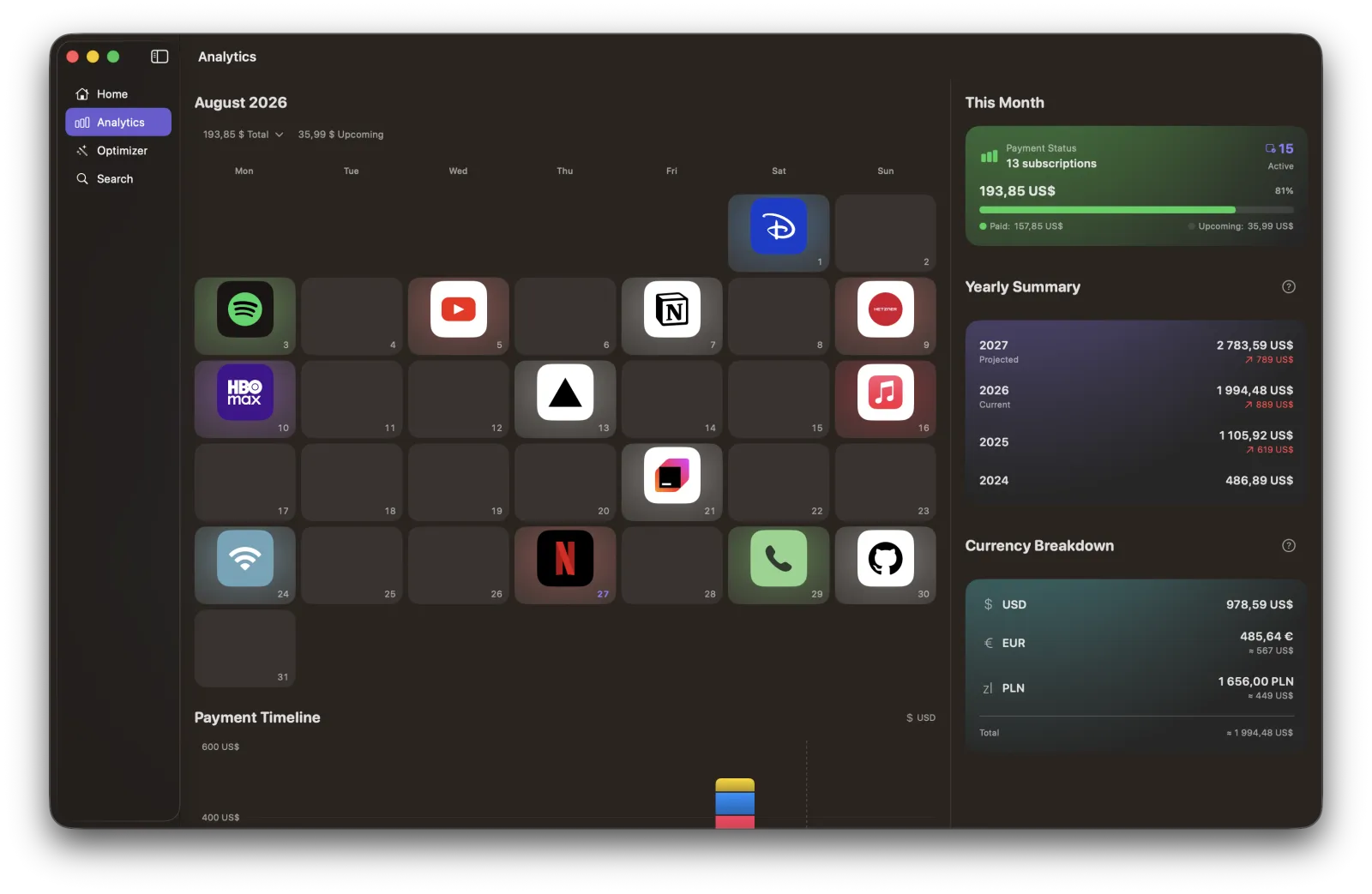
What it does.
Track in any currency
Add each subscription in its own currency and see the total in yours, with exchange rates kept up to date.
Never miss a payment
A calendar shows exactly when money leaves your account, and reminders reach you before a renewal or free trial ends.
Bills, not just subscriptions
Mark rent, electricity or an invoice as something you pay by hand. Recurred says so when the day passes unpaid, and you record what it actually cost when the amount moves month to month.
See future months
Open any upcoming month to check what you are due to pay. Useful when a few annual bills happen to land together.
Cancel what you don't use
The Optimizer lets you log how often you use each service over a set period, then helps you decide what is worth keeping.
Know where the money goes
Spending breakdowns by month and category mean nothing quietly drains your account in the background.
Private by default
Your subscriptions stay on your device and sync only through your own iCloud. Recurred does not track or sell your data.
Widgets on your home screen
Up Next shows what is due and how much, or the next three charges with names and prices. This Month tracks how much has already left your account and what next month is shaping up to cost.
Bring your whole list across
Write or dictate your subscriptions in your own words and Recurred fills in the details, read entirely on your device — or import the CSV you already keep. Describing them needs Apple Intelligence; a spreadsheet does not.
Your data stays yours.
Everything you add lives on your device and syncs through your own iCloud. No account, no ads, no tracking, and your subscription data never reaches anyone else's servers.
Read the privacy policyQuestions, answered.
Is Recurred free?
Yes. Every feature is unlocked, with no ads and no in-app purchases — there is no subscription required to track your subscriptions.
Does Recurred connect to my bank?
No. There is no bank login and no account to create. You add what you pay for yourself, so Recurred never touches your financial accounts.
Where is my data kept?
On your device. It syncs only through your own iCloud, so your subscriptions move between iPhone, iPad and Mac without passing through anyone else’s servers. Nothing is tracked or sold.
Is there an Android version?
No, and there are no plans for one. Recurred is built to be fully native on iPhone, iPad and Mac rather than spread thin across platforms.
Does it work on iPad?
Yes. It is a universal app — the same subscriptions, synced through iCloud, with a layout that uses the bigger screen to show your details side by side.
Does it run on Mac?
Yes. Recurred is a native Mac app on macOS 15 or later, from the same App Store listing, with the same subscriptions synced through your iCloud.
Are there home screen widgets?
Two. Up Next shows the charges about to land, and This Month tracks your spending against what you usually pay — both without opening the app.
Can I track bills I pay manually?
Yes. Flag anything you pay by hand — rent, electricity, an invoice — and Recurred stops expecting it to collect itself: it tells you when the day has gone by unpaid, and marking it paid records the real amount as that bill’s price from then on.
Can Recurred help me cancel subscriptions I don't use?
Yes. Over a tracking period you set, you log how often you actually use each service — Recurred does not watch you in the background. It then sorts them by usage and shows how much you would save a year by cutting the ones you barely touch.
Do I need Apple Intelligence?
No. It only powers a few small touches — describing your subscriptions in plain English for Recurred to fill in, or suggesting a fitting icon from Apple’s own symbols when a service is not one of the built-in ones — all handled on your device. Everything else, including importing a CSV, works without it.
Who makes Recurred?
One developer. I built it to get my own subscriptions under control, then made it good enough to share — which is why it stays free and private, with every feature unlocked.
Get your subscriptions under control.
Free for iPhone, iPad and Mac. Requires iOS or iPadOS 18, or macOS 15 or later.